
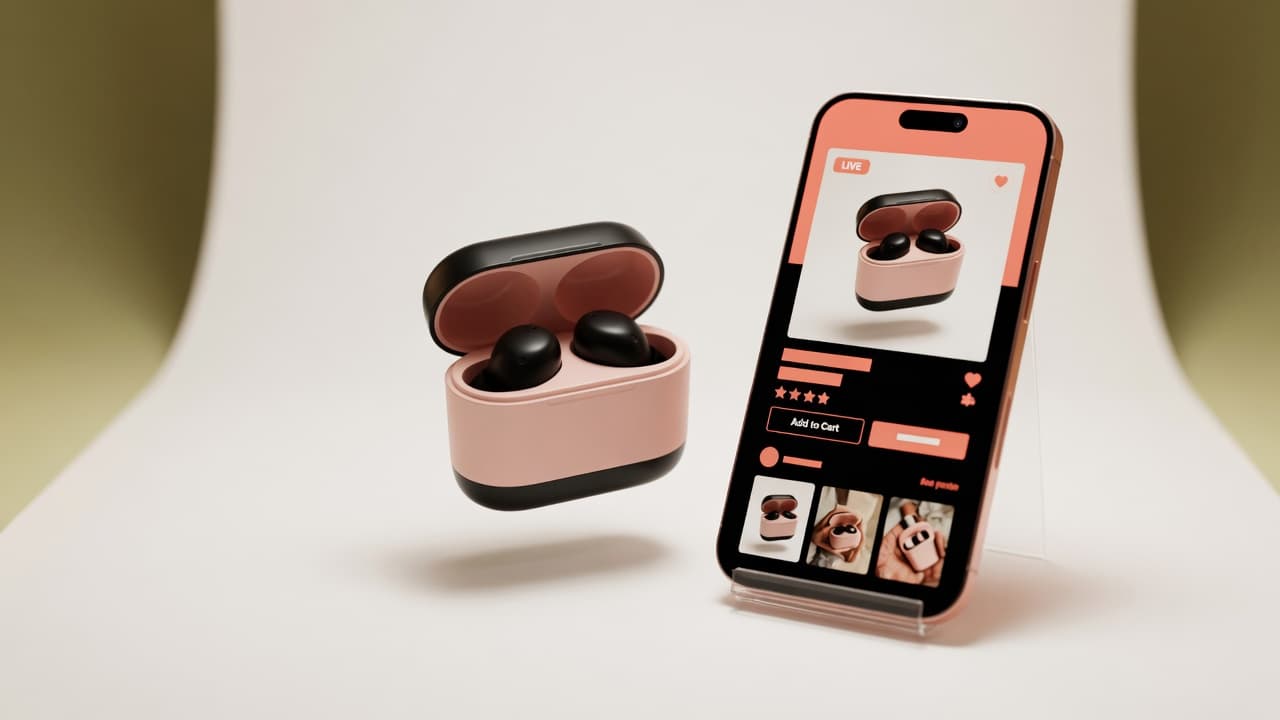
TikTok Shop is the fastest-growing marketplace in Southeast Asia. In Malaysia alone, thousands of sellers join every month — but many get their listings rejected because their product images don't meet TikTok Shop's requirements.
Unlike Shopee and Lazada, TikTok Shop has stricter image guidelines. Get them wrong and your listing gets delayed, rejected, or your shop gets flagged.
Here's everything you need to know about TikTok Shop product images in 2026 — and how to create them without a studio.
TikTok Shop Product Image Requirements
Technical Specifications
| Requirement | Specification |
|---|---|
| Format | JPG, JPEG, PNG |
| Aspect ratio | 1:1 (square) for product images |
| Minimum resolution | 600 × 600 pixels |
| Recommended resolution | 1080 × 1080 pixels or higher |
| Maximum file size | 5 MB per image |
| Maximum images per product | 5 (first image is the cover) |
| Background | White or transparent (for cover image) |
Content Rules
TikTok Shop is strict about what appears in product images:
- No watermarks — no logos, brand watermarks, or text overlays on the product image
- No borders or frames — the image should be a clean product photo
- No text in the image — product names, prices, or promotional text must not be in the image itself
- No collages — one product per image (multiple angles are allowed as separate images)
- No contact information — phone numbers, email addresses, or social media handles
- No lifestyle images as cover — the first image must be a clean product shot on white/transparent background
- No misleading images — the product in the image must match the product being sold
The Cover Image: Your Most Important Asset
The first image (cover) is what appears in TikTok Shop search results, on the product page, and in recommendations. It needs to be:
- Clean white background — TikTok Shop requires this for the cover image
- Product fills 60–80% of the frame — the product should be the clear focus
- Well-lit and sharp — no shadows, no blur, no noise
- Accurate colour — matches the real product
For additional images (positions 2–5), you can use lifestyle images showing the product in use, different angles, or detail close-ups.
How AI Product Photography Helps
Creating a clean white-background product shot is the hardest part for most sellers. Here's how AI tools help:
1. Background Removal + Replacement
Upload any photo (even one taken on a kitchen table) and the AI automatically:
- Removes the original background
- Places the product on a clean white background
- Adjusts lighting and shadows for a professional look
2. Marketplace-Format Export
AI tools like SeniAI Seller Studio let you select TikTok Shop as the target marketplace, automatically exporting at the correct 1:1 ratio with white background — meeting all cover image requirements.
3. Multiple Variations from One Photo
Upload one product photo and generate:
- Cover image (white background, 1:1)
- Lifestyle images (product in use, scene-based)
- Detail shots (close-up on texture, features)
All from a single source photo — no need to reshoot.
4. Listing Copy in English and Bahasa Malaysia
Some AI tools also generate product listing copy — title, description, and key features — in both English and Bahasa Malaysia. This saves time and ensures your TikTok Shop listing is optimised for both language audiences.
Step-by-Step: TikTok Shop Product Images with AI
- Take a photo of your product with your phone (any background, decent lighting)
- Upload to SeniAI Seller Studio
- Select TikTok Shop as the marketplace (sets 1:1 ratio automatically)
- Choose "Clean white" scene for your cover image
- Generate and review — check product shape, colour, and background
- Download the cover image
- Generate 1–2 more images with different scenes for the product gallery
- Upload to TikTok Shop Seller Centre
Tips for High-Converting TikTok Shop Images
- Show the product clearly — TikTok Shop buyers scroll fast. Your cover image needs to instantly communicate what the product is.
- Use all 5 image slots — more images = more trust. Show the product from different angles and in use.
- Keep colours accurate — returns happen when the product doesn't match the image. AI tools preserve the original colour if you use the right settings.
- Test different cover images — if your current cover has low click-through, try a different angle or scene. AI lets you generate multiple options quickly.
Want to create TikTok Shop-ready product photos in minutes? Try SeniAI Seller Studio — free to start, no sign-up needed for your first image.