
Make the photo sell. Keep the product real.
AI product photography for Shopee, Lazada and TikTok Shop. One phone photo becomes a listing image you compare with the original, with listing copy in English and Bahasa Malaysia.
- 1 free image before signup
- Real source shown beside every result
- Marketplace aspect ratios
- Bilingual listing copy
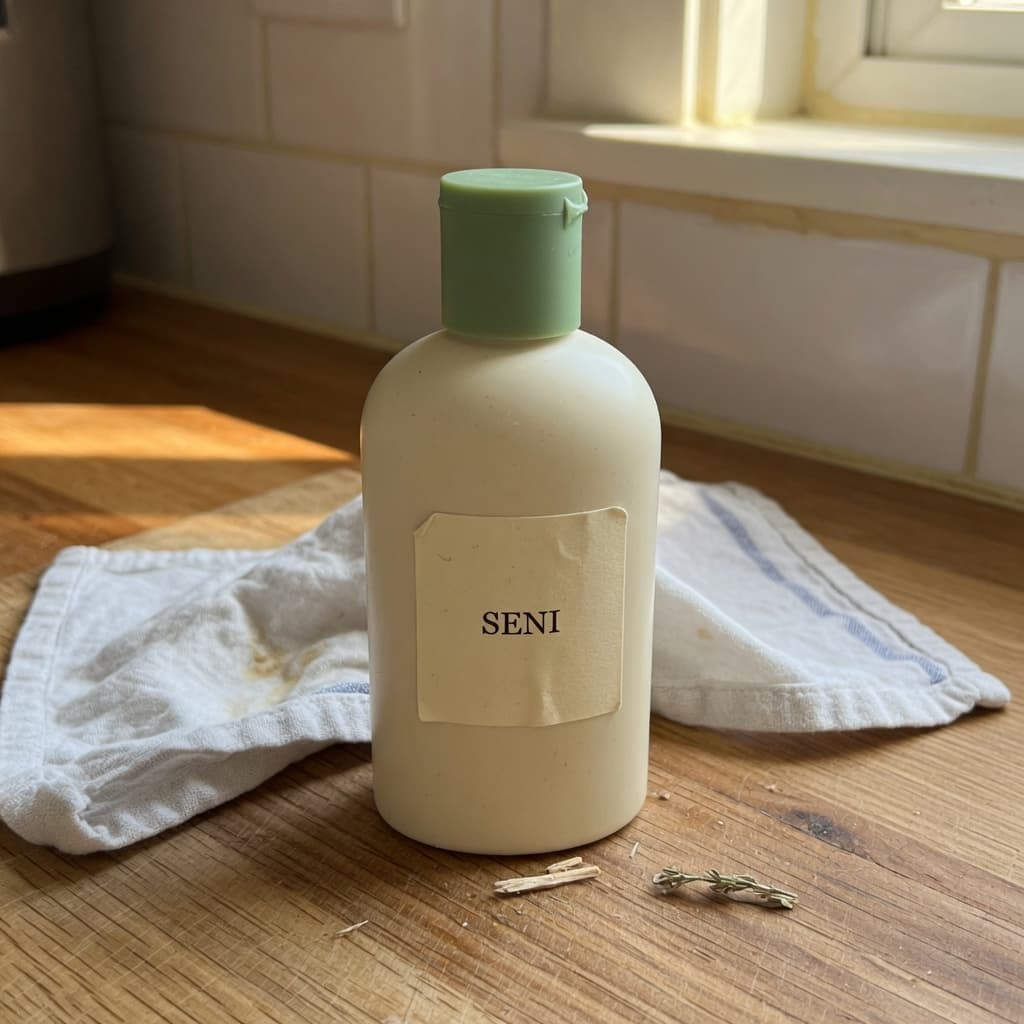 Source
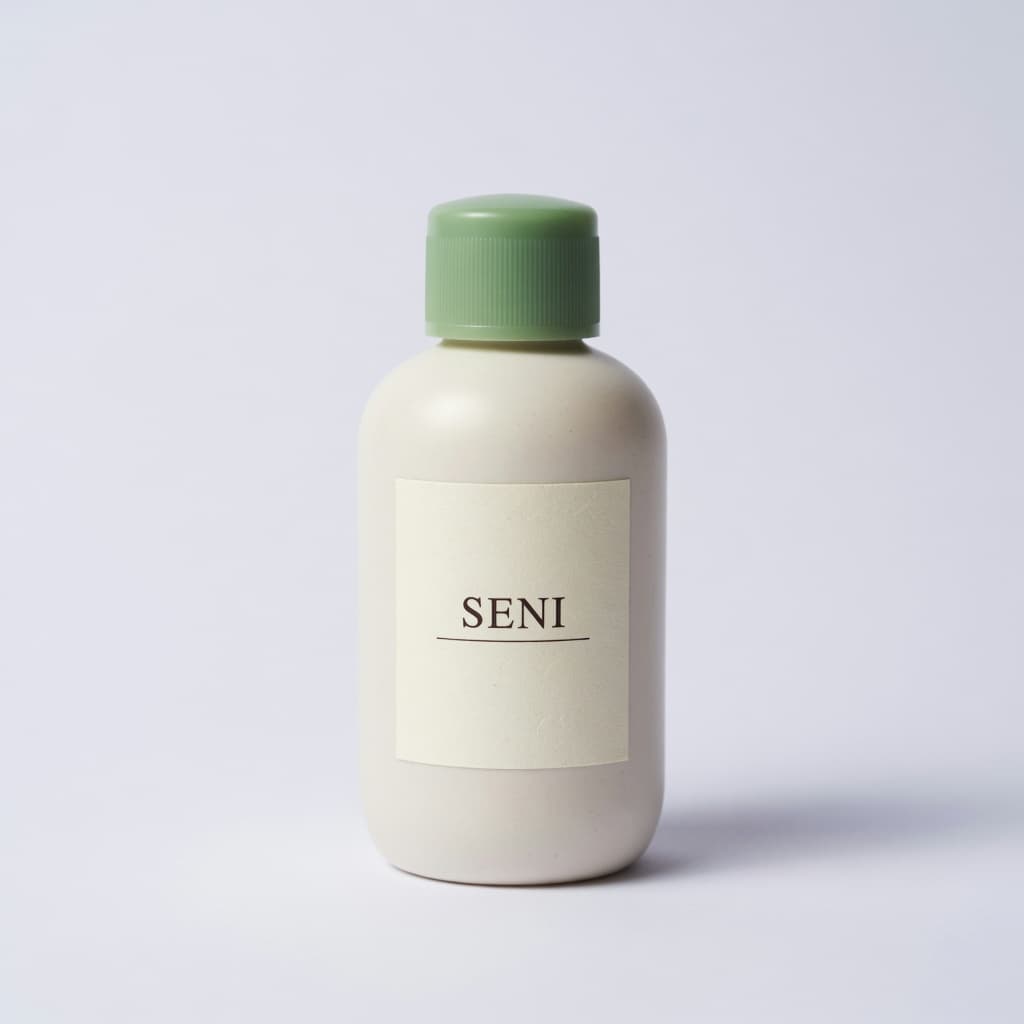 Result
Preservation instructions active
Review label · colour · silhouette
Built around the buyer-trust problem—not prettier AI for its own sake.
A focused workflow
From phone photo to storefront in three checks.
No open-ended prompt box. Seller Studio asks for the decisions that actually affect an ecommerce listing, then keeps verification in the workflow.
- 01
Upload the real item
Use one clear phone photo. Add the product name and the one benefit a customer should notice.
- 02
Choose selling context
Pick a clean listing, natural counter, local-home scene or a restrained Raya campaign setting.
- 03
Review before publishing
Compare source and result side by side. Check spelling, colour, shape and scale, then download the approved image.
The SeniAI difference
The original stays in the conversation.
Many product-photo tools show only the polished result. SeniAI keeps your source visible, adds preservation instructions, and makes the final human review part of the product.
Try preservation-first editing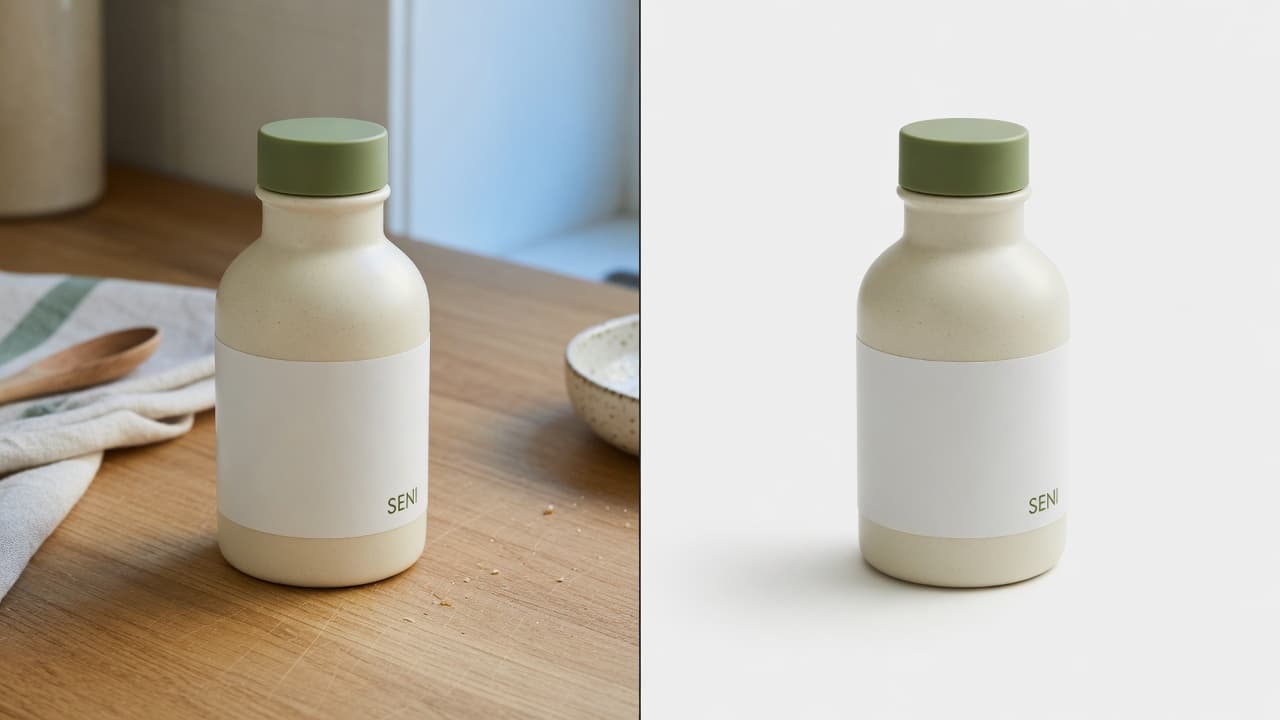
- Brand and label text match
- Colour matches the source
- Product shape is unchanged
- Scene does not imply false contents
Simple starting price
Test the workflow before paying for volume.
Try one image without signing up. A free account unlocks the daily allowance; upgrade only when Seller Studio becomes part of your listing routine.
Seller Pro
For active stores and content teams
$10/mo
- Unlimited generations
- 2K high-resolution exports
- Pro scenes + art direction
- English + BM listing copy
- No watermark, commercial usage
- Private gallery
Questions
Before you upload
Will SeniAI change my actual product?+
Seller Studio sends strict preservation instructions with your source image, but generative AI can still make mistakes. That is why every output is shown beside the original with a checklist for labels, colour, shape and scale before you publish.
Which marketplaces are supported?+
The first release includes image formats for Shopee, Lazada, TikTok Shop and Instagram. You can also download the result and use it on your own storefront.
Do I need professional product photography?+
No. A clear phone photo in decent light is enough. Keep the full product visible and avoid covering labels or packaging details.
Can it write in Bahasa Malaysia?+
Yes. Seller Studio prepares editable listing copy in both English and Bahasa Malaysia from the product name and selling point you provide.
What size should a Shopee product image be?+
A Shopee cover image is square, 1:1. Use JPG or PNG, at least 500 by 500 pixels, and keep the file under 2 MB. You can add up to 9 images, and extra frames can be 3:4. Seller Studio exports the 1:1 Shopee ratio from one phone photo.
Can it clear the background of a product photo?+
For a product photo you plan to list, yes. Pick a clean listing scene and SeniAI replaces the cluttered background. Your original stays on screen so you can check the label, colour and shape before you download.